Overview
Population Explorer includes access to administrative boundaries, making it possible to align population and income results with official geographic units. These boundaries provide a consistent reference frame for analysis and help ensure that results match real-world reporting structures.
What are administrative boundaries?
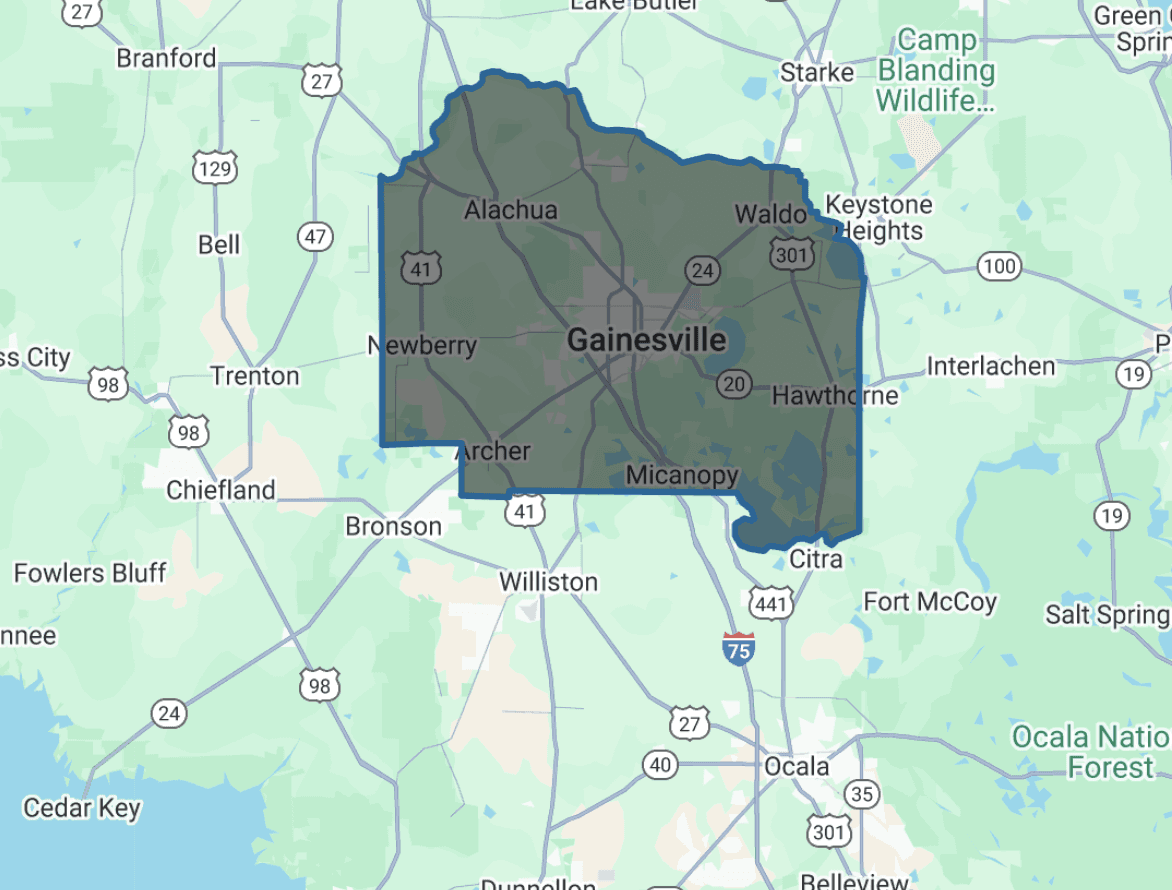
Administrative boundaries represent the official divisions of a country, such as national, regional, or local jurisdictions. In Population Explorer, we currently support boundaries down to approximately ADM2 level (e.g., provinces, counties, or districts, depending on country).
Level 0 (ADM0): National boundary (country).
Level 1 (ADM1): First subnational division (e.g., state, province).
Level 2 (ADM2): Second subnational division (e.g., county, district).
Once added to your map, these boundaries behave like normal polygons: you can view population totals, demographic breakdowns, and other metrics.
Note: Administrative boundary tables in Population Explorer are sourced from LandScan 2018 data.
How to add administrative boundaries
Go to New → Create Item → Administrative boundary.
Search by country or expand the taxonomy tree.
Select a boundary (ADM0-ADM2). A preview will appear on the map.
Click Add to save it to your selected folder.
Reminder: All items in Population Explorer must be stored inside folders. Boundaries added outside a folder are not allowed.
Working with boundary results
Population totals: Calculated from the selected dataset (LandScan or WorldPop, depending on year).
Age/sex breakdown: Allocated per dataset rules (LandScan via admin-ratio tables; WorldPop directly from rasters).
Area and density: Computed geodesically (WGS84).
Aggregation: Folder-level results dissolve overlaps to avoid double-counting.
Tips & Caveats
Use boundaries for consistency. Comparing ADM0–ADM2 regions across time or datasets ensures consistent reference frames.
Coverage varies by country. Some ADM2 definitions may be incomplete or outdated.
Dataset year mismatch: Population Explorer’s boundary registry is currently based on LandScan 2018; newer administrative changes may not be reflected.
Performance considerations: Very large or complex boundaries may slow performance or trigger timeouts.
Administrative definitions differ between countries (e.g., 'county' in the US vs. 'district' elsewhere). Always confirm which level you are analyzing.
Further Reading
Need More Help?
If you run into issues, please contact us.


