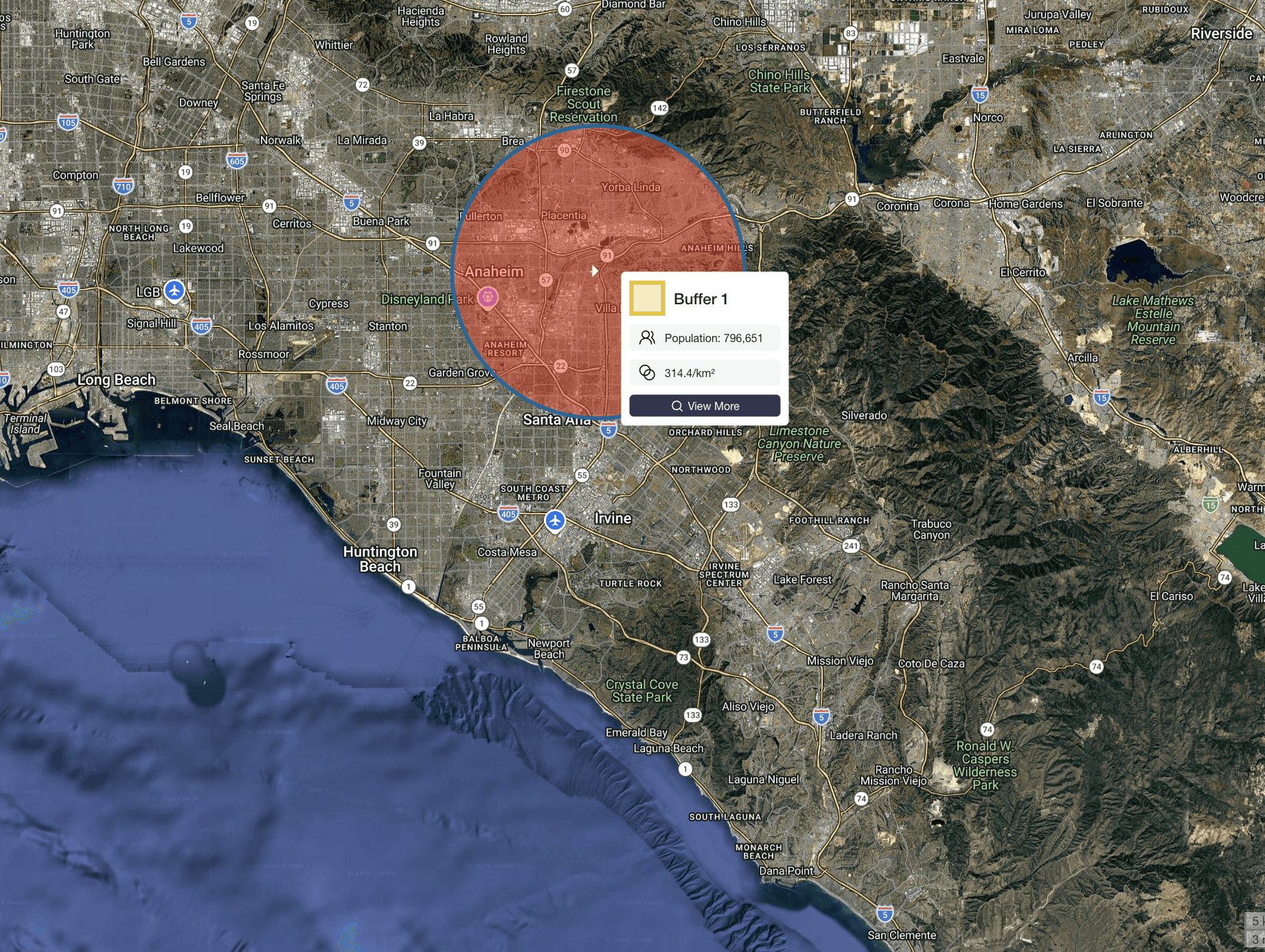
Draw a Radius and Instantly See Population
Draw a radius around any location and instantly calculate how many people live within that area. Whether you're evaluating a site, defining a territory, or analyzing a market, you can get answers in seconds.
Watch this quick video to measure population in a radius anywhere in the world, or follow the step-by-step instructions below:
How Many People Are Within Your Target Area?
Every location decision starts with the same question:
Is there enough population here to support a new store?
How far will customers realistically travel?
Is this territory too small or too large?
A simple radius gives you a fast way to define an area. But the real value comes from understanding what’s inside it.
Population within a radius is one of the fastest ways to evaluate a market before going deeper.
What Is a Radius Map?
A radius map is a circular area drawn around a specific location.
For example, you might draw:
a 1-mile radius around a retail site
a 5-mile radius around a clinic
a 10-kilometer radius around a city center
This represents a straight-line distance from a central point.
It’s a quick way to define a trade area, especially when you need a fast estimate of reach.
→ Draw your own free radius now
Go Beyond Radius Maps — Measure Population Within Any Area
A radius map shows you where.
Population data shows you what’s there.
Instead of just drawing a circle, you can measure:
Total population within the radius
Population density
Demographic and income data
This is what turns a simple map into a decision tool.
→ How to measure population in any area
How to Calculate Population Within a Radius
Calculating population within a radius takes just a few steps:
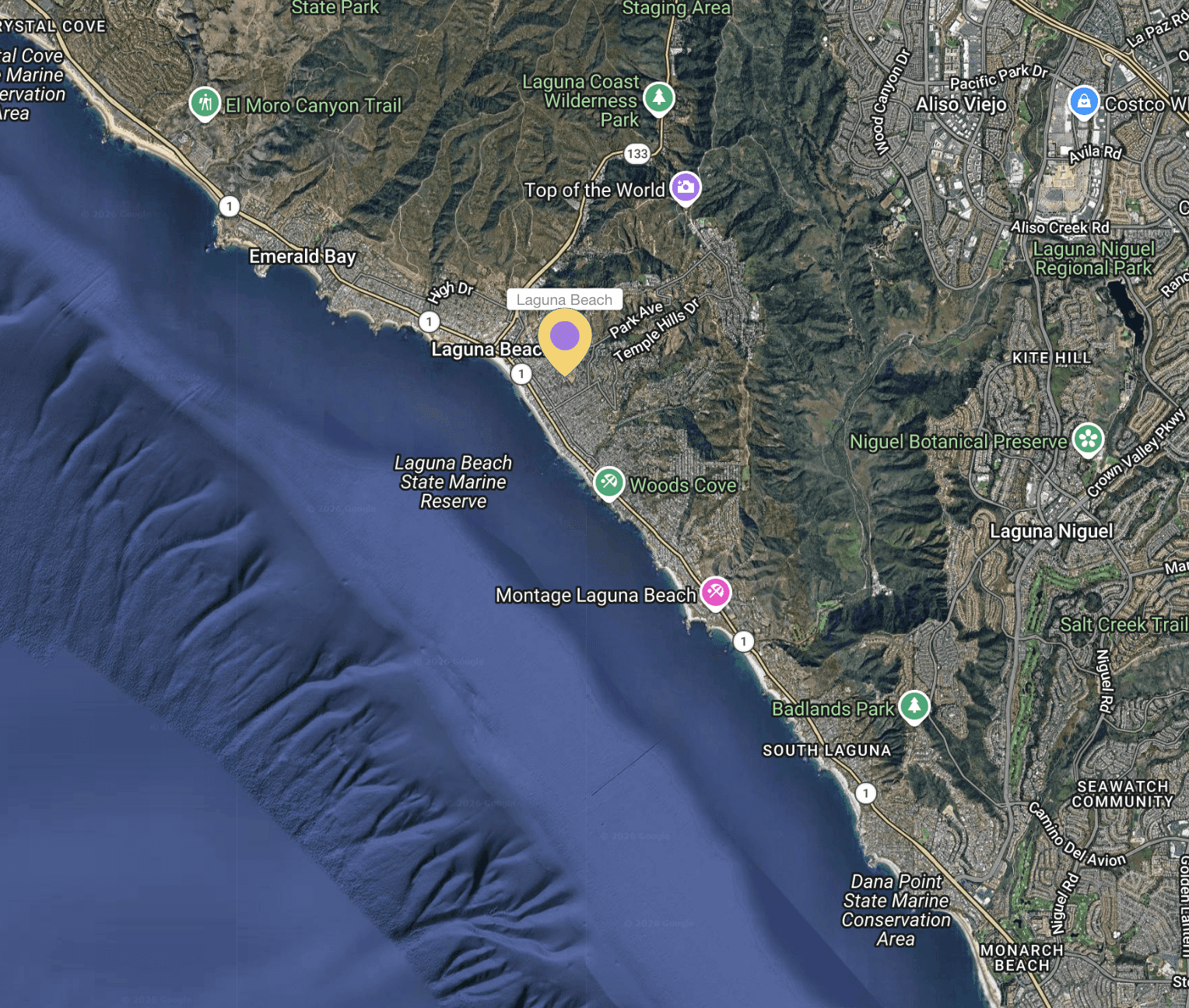
1. Choose a location
In Population Explorer, either zoom in through the map viewing pane to save a marker on your ideal location, or search for the location through the POI feature.
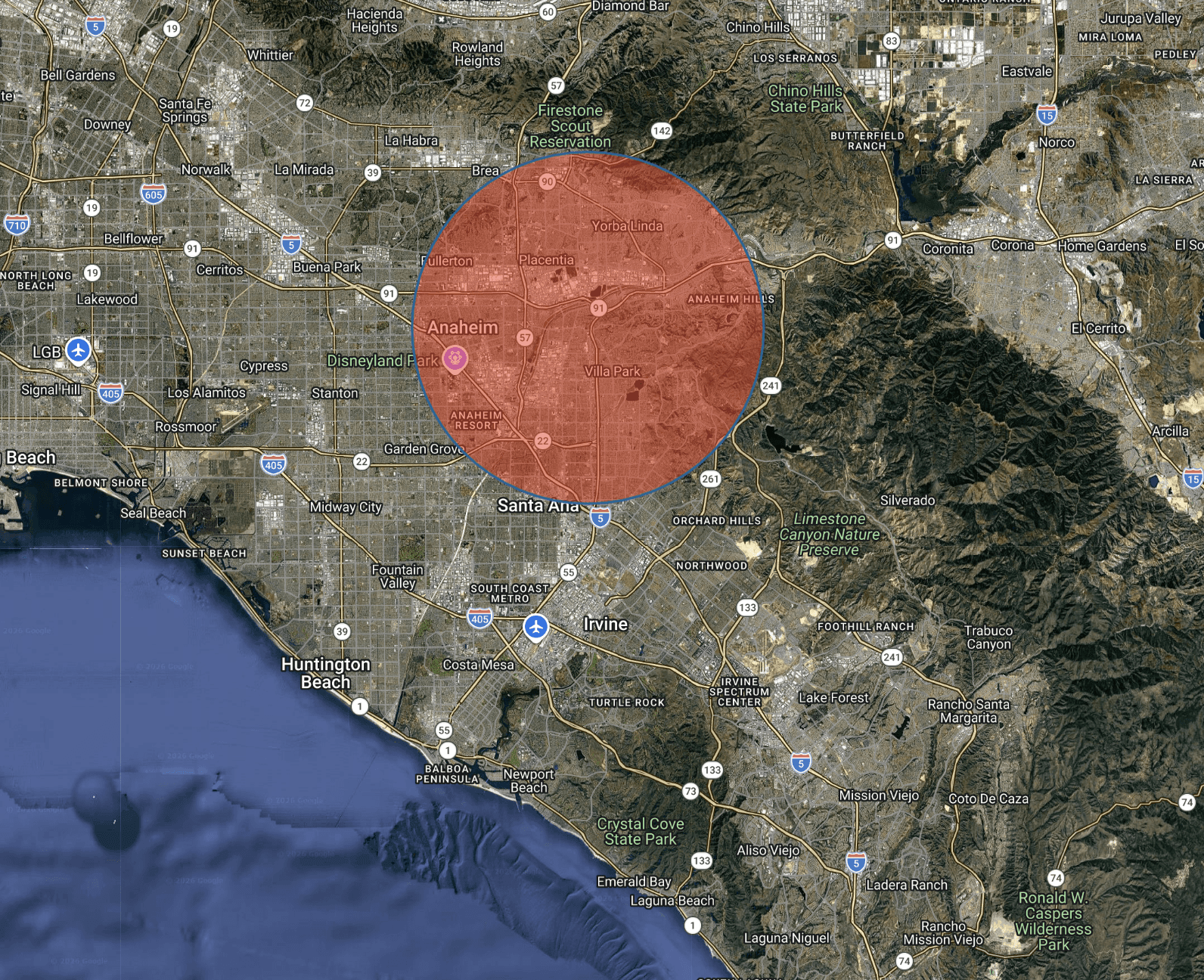
2. Set your radius
Define the size of your area — for example, 1 mile, 5 miles, or 10 km using the 'buffer tool' in Population Explorer.
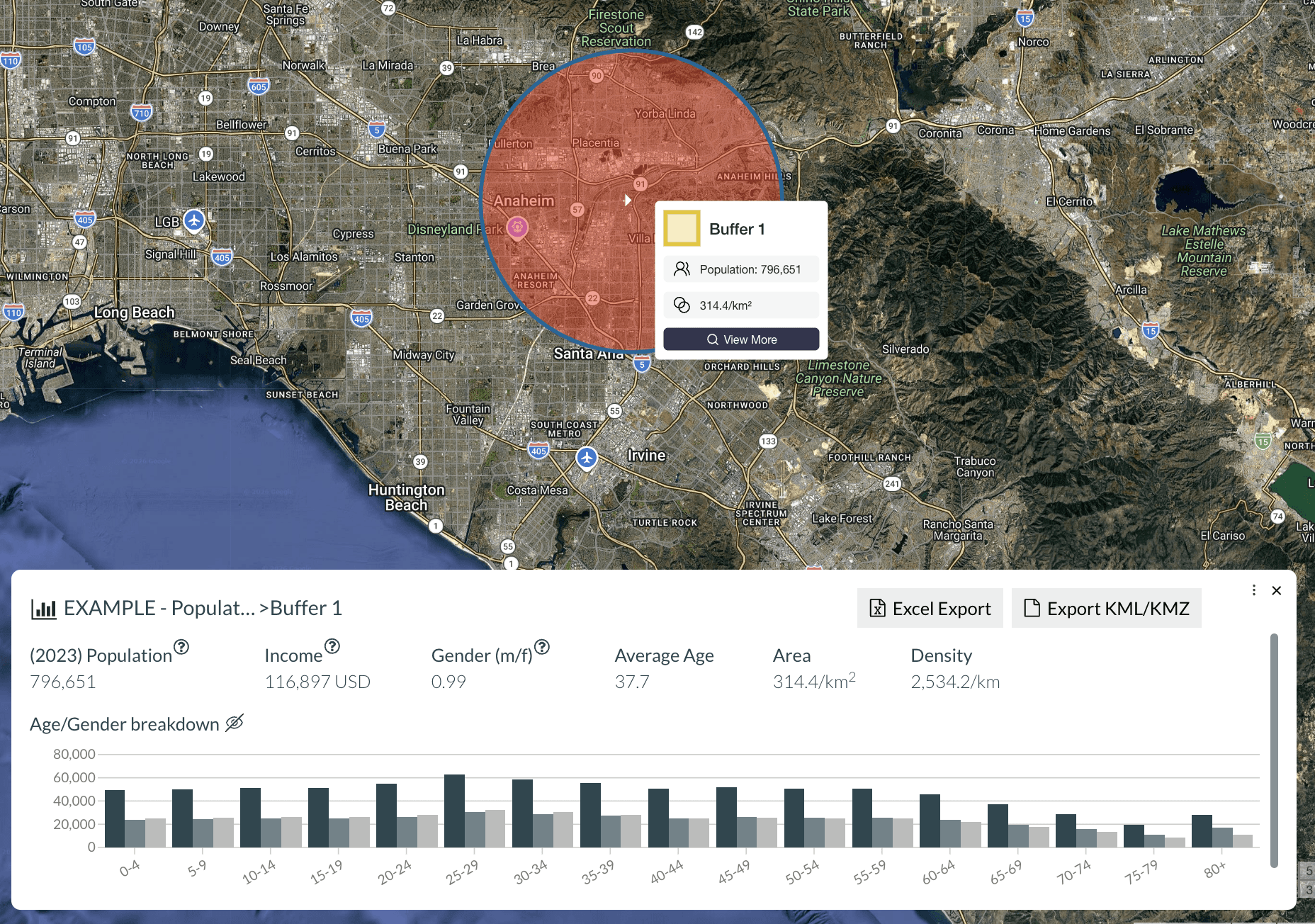
3. Measure population
Either hover over the shape, or click it to reveal total population with age and sex disaggregation.
When to Use a Radius Map
Radius maps are most useful when you need a fast, consistent way to evaluate an area.
Site Selection
Quickly assess whether a location has enough nearby population to support a new store, clinic, or service area.
→ Learn more about finding optimal retail locations
Franchise Territory Planning
Define territories with consistent population coverage, helping ensure fairness and performance across locations.
→ Learn more about mapping ideal franchise territories
Sales Territory Design
Balance territories based on population instead of arbitrary boundaries, reducing overlap and improving coverage.
→ Learn more about creating balanced sales territories
Market Analysis
Understand how demand changes across different locations by comparing population within similar radii.
→ How to compare different markets
Radius vs Drive Time — What’s the Difference?
A radius measures straight-line distance.
A drive time measures how far someone can travel using real roads within a set amount of time.
Radius → fast, simple, consistent
Drive time → more realistic, more precise
Radius is ideal for quick analysis and early-stage decisions.
Drive time is better when travel behavior matters.
→ Measure population in a driving distance
Analyze Competitors Within Your Radius
Population is only part of the picture.
You can also analyze what else exists within your radius:
Competitor locations
Retail clusters
Points of interest
This helps answer questions like:
Is this market already saturated?
Are there gaps in coverage?
Where are competitors concentrated?
Frequently Asked Questions
How do I calculate population within a radius?
Choose a location, define a radius, and generate the area. Population Explorer calculates how many people live within that boundary instantly.
What is a radius map used for?
Radius maps are used to define trade areas, evaluate locations, design territories, and understand market reach.
What radius should I use for site selection?
It depends on the business. Smaller radii (1–3 miles) are common for urban retail, while larger radii (5–10+ miles) are used in suburban or rural areas.
What’s the difference between radius and drive time?
A radius is a straight-line distance. Drive time accounts for real roads and travel conditions.
Is radius-based analysis accurate?
It’s a fast and useful approximation. For more precise analysis, especially where travel matters, drive-time areas are more accurate.
Start Mapping Your Area
Understand how many people live within your target area in seconds.


