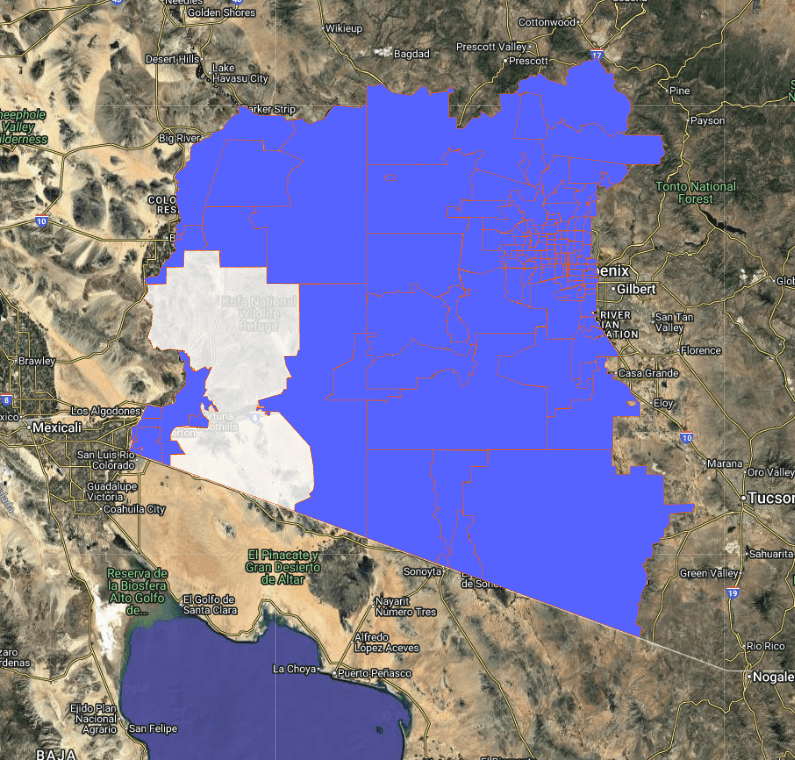
Why population accuracy matters
Franchise performance is tightly linked to the true size and makeup of the serviceable population. Underestimate and you’ll shortchange sales projections; overestimate and you’ll overbuild. In this post we show how to measure population inside your proposed territories - quickly and defensibly - so you can not only minimize territory disputes, but maximize franchise network competitiveness.
What counts as a “territory”?
In practice, a territory is any area you define on a map: a buffer around a flagship store, multiple ZIPs grouped together, a custom drive-time isochrone, or a hand-drawn polygon that mirrors your brand’s local rules.
How to calculate population inside a territory
Create a working folder and keep all shapes (polygons, isochrones, buffers) in it.
Select a data vintage (LandScan 2016–2023; WorldPop 2024+) so results are consistent across shapes.
Define the area:
Read the results: total population, age/sex breakdown, area (geodesic), density, and income where available.
Export to Excel (tabular) or KML/KMZ (geometry) for handoff to BI/GIS or your franchise development team.
Watch a quick video below on measuring population in a radius
Choosing between buffers, isochrones, and polygons
Buffers: fast for radius tests and quick comps, great in early planning.
Isochrones: best proxy for access and convenience in urban/suburban settings.
Polygons: when legal/operational boundaries must be respected or merged.
Quality checks before you present
Vintage: confirm your selected year (it’s shown in the UI).
Overlap logic: folder-level results dissolve overlaps to avoid double-counting.
Complex KMLs: simplify large or highly detailed shapes to avoid client-side timeouts.
FAQ
Do isochrones update if I drag the centroid? Regenerate to apply a new centroid; the result then behaves like a normal polygon.
Can I combine multiple territories? Yes—put them in one folder. The folder summary dissolves overlaps to produce a single, recomputed boundary.
Can I export for my GIS/BI tool? Yes—use KML/KMZ for geometry or Excel for tabular outputs.


